 BALL AI
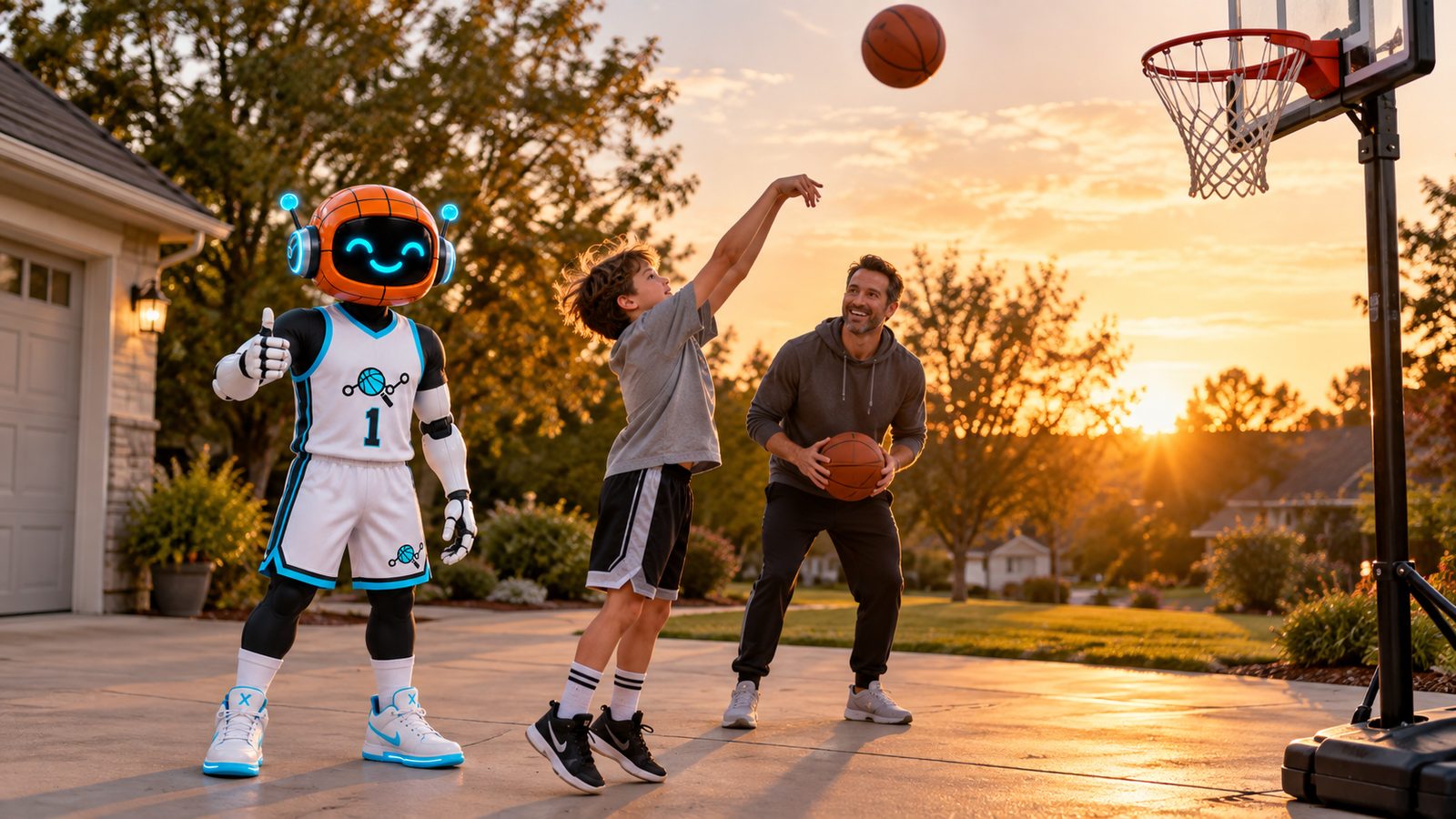
Your kid just started basketball. They want to practice at home, and you want to help without becoming the coach. An app can do a lot of that work, but only if it is built for someone who is starting from zero.
Most app lists are written for players who already know what a crossover is. This guide is for parents of true beginners: what to look for, what to skip, and how to set it up so it sticks.
What makes an app good for a beginner
A beginner app has a different job than an app for a varsity player. Look for these five things.
1. It starts at their level. The first session should feel doable. If the app drops a first-year player into fast combo moves, they will quit by day three.
2. It works with a normal ball. A beginner is still learning if they even like basketball. Skip apps that need a special ball, sensors or a smart hoop to work.
3. It gives honest feedback. Beginners cannot tell if a shot was good form or lucky. An app that tracks makes, misses and form gives them something real to work on.
4. It tells them what to do next. A library of 500 drills is a menu, not a plan. Beginners need one clear session at a time.
5. It lets you see the work. You should be able to look at a session and know what they practiced, without being a basketball expert.
Red flags to skip
- Hardware first. If the app only works after you buy extra gear, test whether your kid will practice at all before you spend on it.
- Leaderboards on day one. Ranking a brand new player against kids who have played for years can kill the fun.
- Long sessions. Anything that asks a beginner for an hour a day is built for someone else.
- No updates. Check the version history on the App Store listing. An app that has not been updated in years may not work well on new phones.
- Promises of fast results. Skills come from steady practice over weeks. Be wary of any app that says otherwise.
How to set up a beginner for success
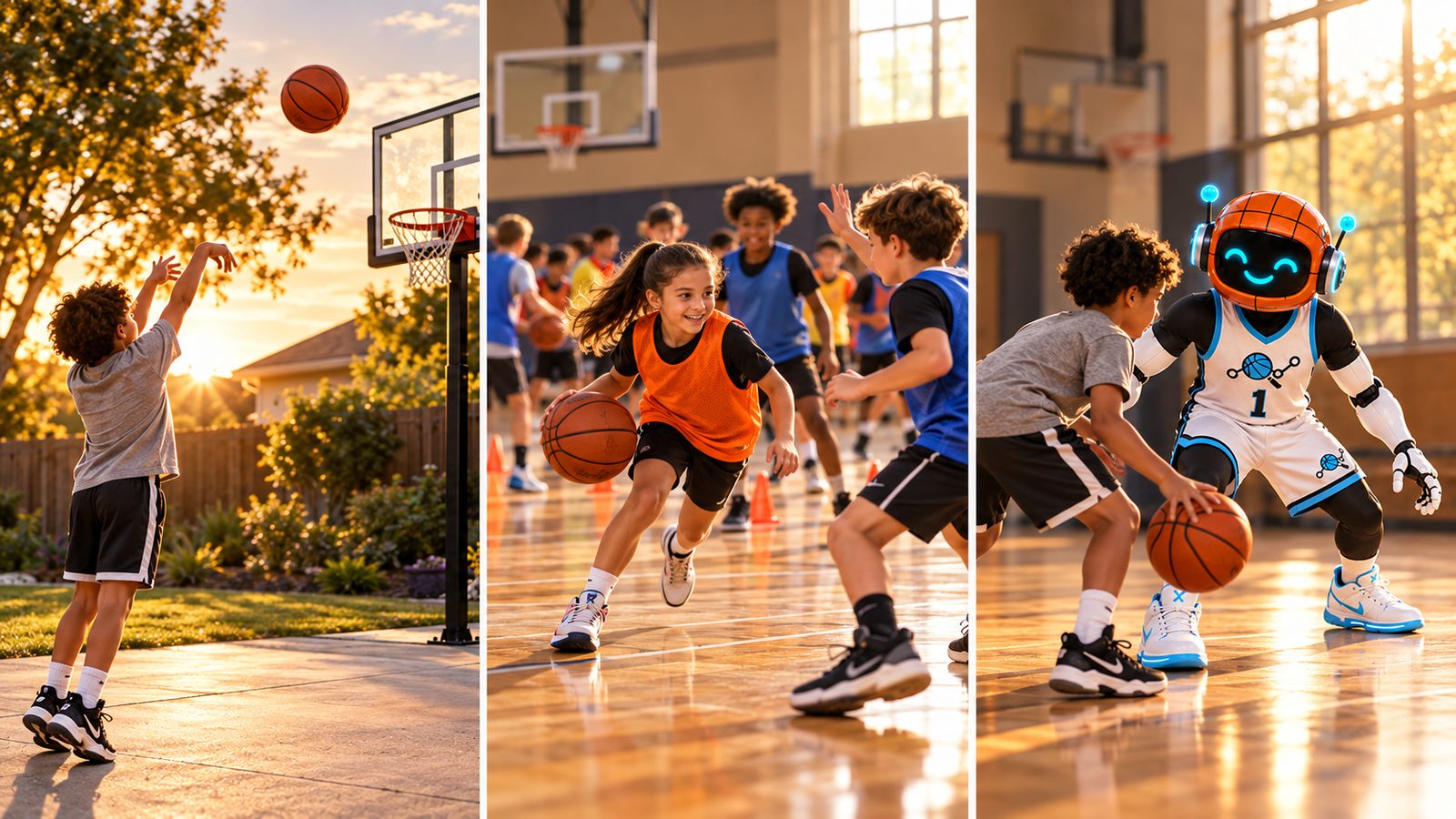
- Pick a spot. A driveway, garage or park court. Shooting needs a hoop. Dribbling work only needs a ball and flat floor.
- Prop the phone. On the ground or on a cheap tripod, with your kid and the hoop in view.
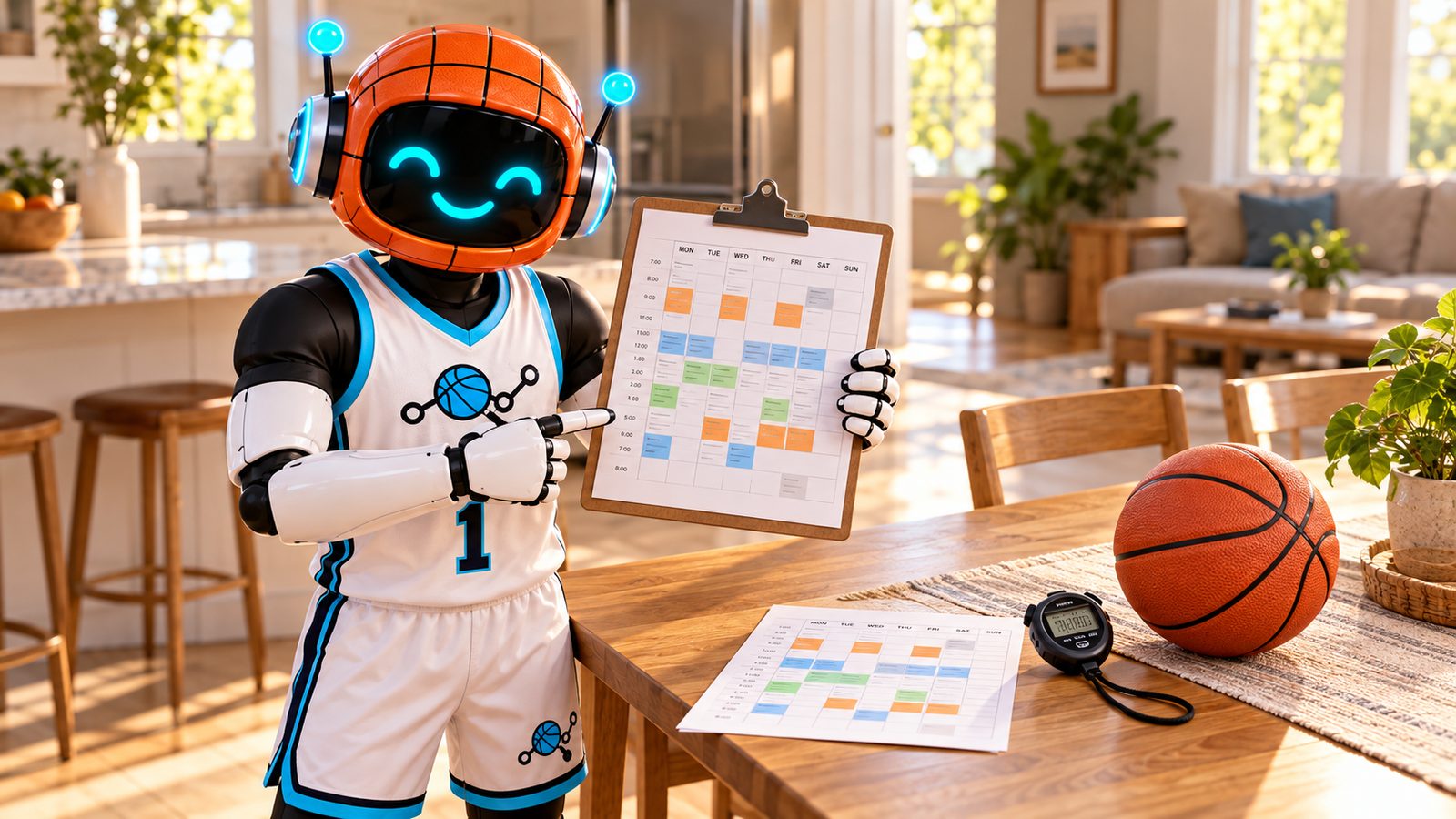
- Keep it short. A few short sessions a week beats one long one. For a day-by-day first week, see our basketball practice plan template.
- Use the right ball size. Ball sizes by age are in our basketball gift guide.
How Ball AI fits a beginner
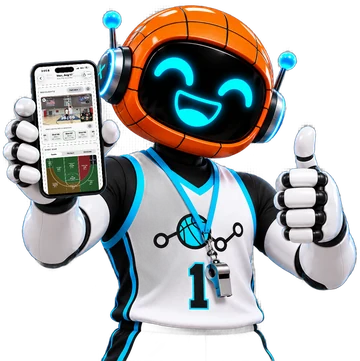
Ball AI is an AI basketball training app for iPhone. Your kid sets the phone on the ground or on a tripod, picks shooting, finishing, dribbling, defense or a guided workout, and trains while Ball AI tracks every rep with the camera.
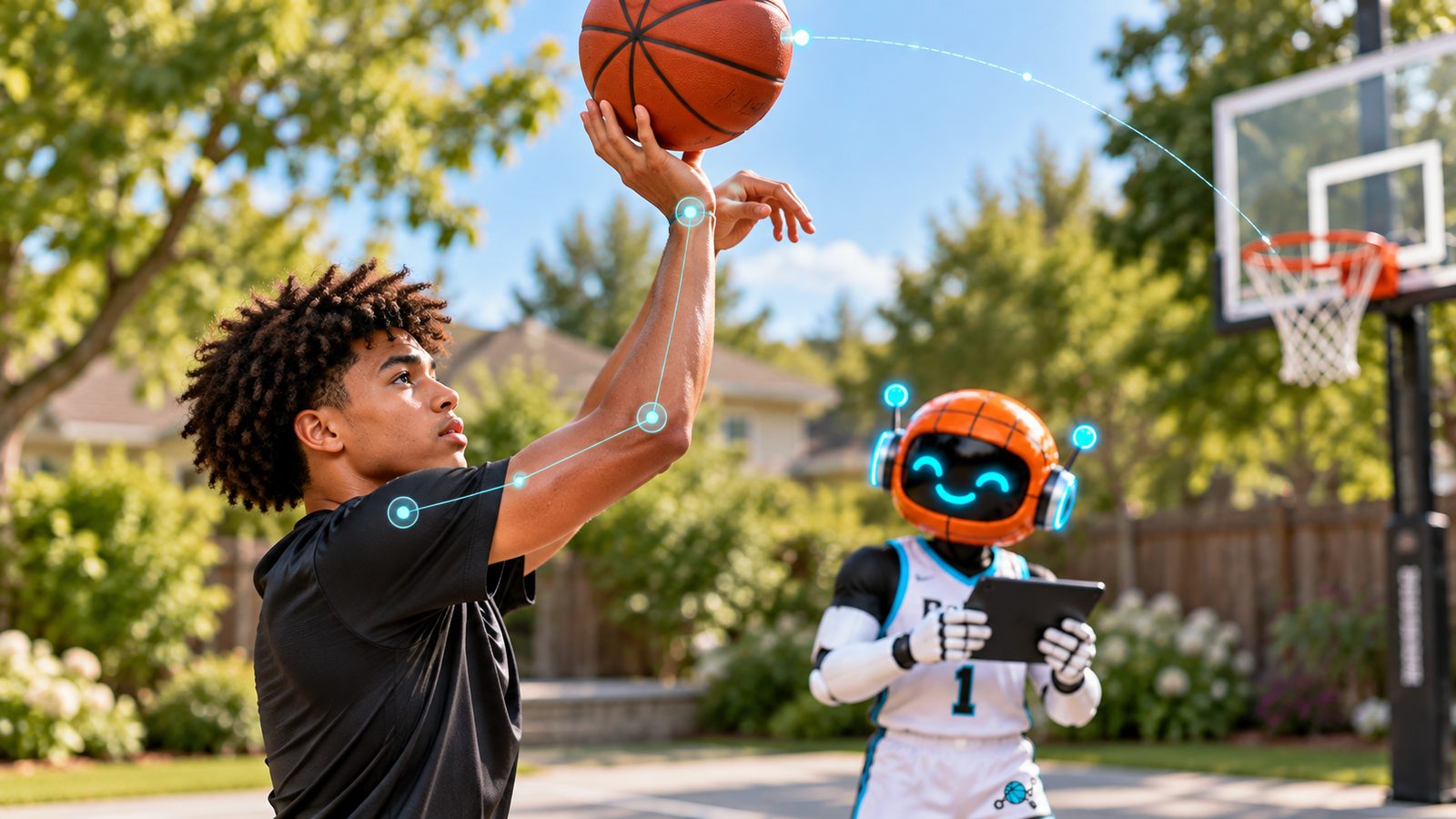
After the session, they get a breakdown: makes, misses, shooting percentage, where on the court each shot came from, release angle and release time, and dribble speed, plus personalized feedback and guided drills. No smart ball, no sensors, any basketball.
For a beginner, that means:
- Real numbers from day one. "I made 12 of 30 from close range" is a starting point they can beat next week.
- Feedback on form, not just makes. Release angle and release time help a new shooter build a repeatable shot.
- Dribbling counts too. Dribble work is tracked with feet and ball in frame, no hoop needed.
The Family plan covers up to 5 other family members, so a sibling who also plays can train on their own profile. Parents check out in the iOS app.
Real progress takes regular practice over weeks. Ball AI keeps that practice organized, tracked and harder to skip.
Comparing apps for beginners
Camera trainers, smart ball systems and video drill libraries all do different jobs. For a side-by-side look at the main options, see our best basketball apps for kids comparison.
Quick way to decide:
- Want every rep tracked with just a phone? A camera trainer like Ball AI.
- Want coach videos to follow along with? A video drill app.
- Only working on handles and fine with buying a special ball? A smart ball system.
How to tell if it is working after two weeks
- They open it without a fight at least a few times a week.
- Their numbers move a little. One more make from close range, one more clean dribble set.
- They talk about it. "I beat my layup score" is the best sign you will get.
If none of that is happening, change the time of day or the goal before you change the app. For more ideas, read how to help your kid get better at basketball.
Parent FAQ
Does a beginner even need a basketball app?
No, but it helps. A beginner can learn a lot with a ball and a driveway. An app adds a plan for each session and honest feedback, so practice at home is not guesswork.
What does my kid need to start with Ball AI?
An iPhone, a basketball and a place to play. Shooting and finishing need a hoop. Dribbling work only needs a ball and some floor space.
How long until a beginner gets better?
It depends on the kid and how often they practice. Expect progress over weeks of short, regular sessions, not days. Ball AI tracks each session so you can both see the change over time.
How is Ball AI different from SpotBasket?
Both are basketball training apps that use the phone camera. SpotBasket's site and App Store listing describe a daily training path with coach video drills, a camera shot tracker, reaction drills and meal plans. Ball AI is built around tracking every rep with the camera across shooting, finishing, dribbling and defense, then giving a breakdown of makes, misses, shooting percentage, court location, release angle, release time and dribble speed. If your kid wants coach videos to follow, look at SpotBasket. If they want every rep tracked and scored, that is what Ball AI does.
Can a brother or sister use it too?
Yes. The Family plan covers up to 5 other family members, and each one trains on their own profile.