 BALL AI
Search "best basketball apps for kids" and you get App Store pages, smart-ball ads, and coach blogs that do not agree. That is normal. These products solve different jobs: some track shots with a phone camera, some need a special ball, and some are video drill libraries with a plan.
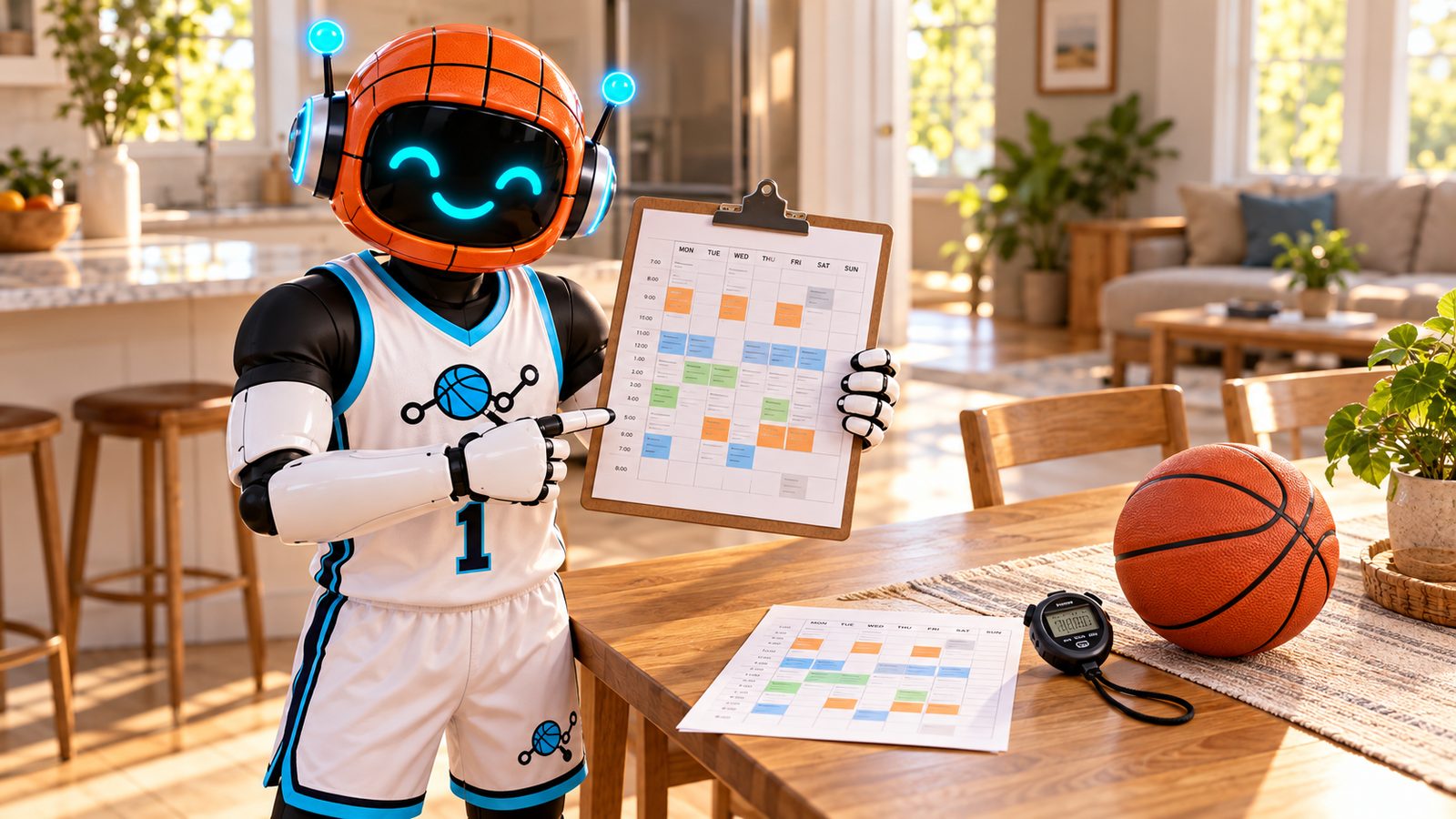
This guide helps parents sort types first, then name a few well-known options fairly, then decide when a training app is worth opening at all. For the bigger mix of home vs camps vs trainers, see youth basketball training. For weekly minutes written out, use the practice plan template. Age-right drills live in basketball drills for kids at home, by age. Straight Ball AI answers for parents are in the basketball training app for kids FAQ.
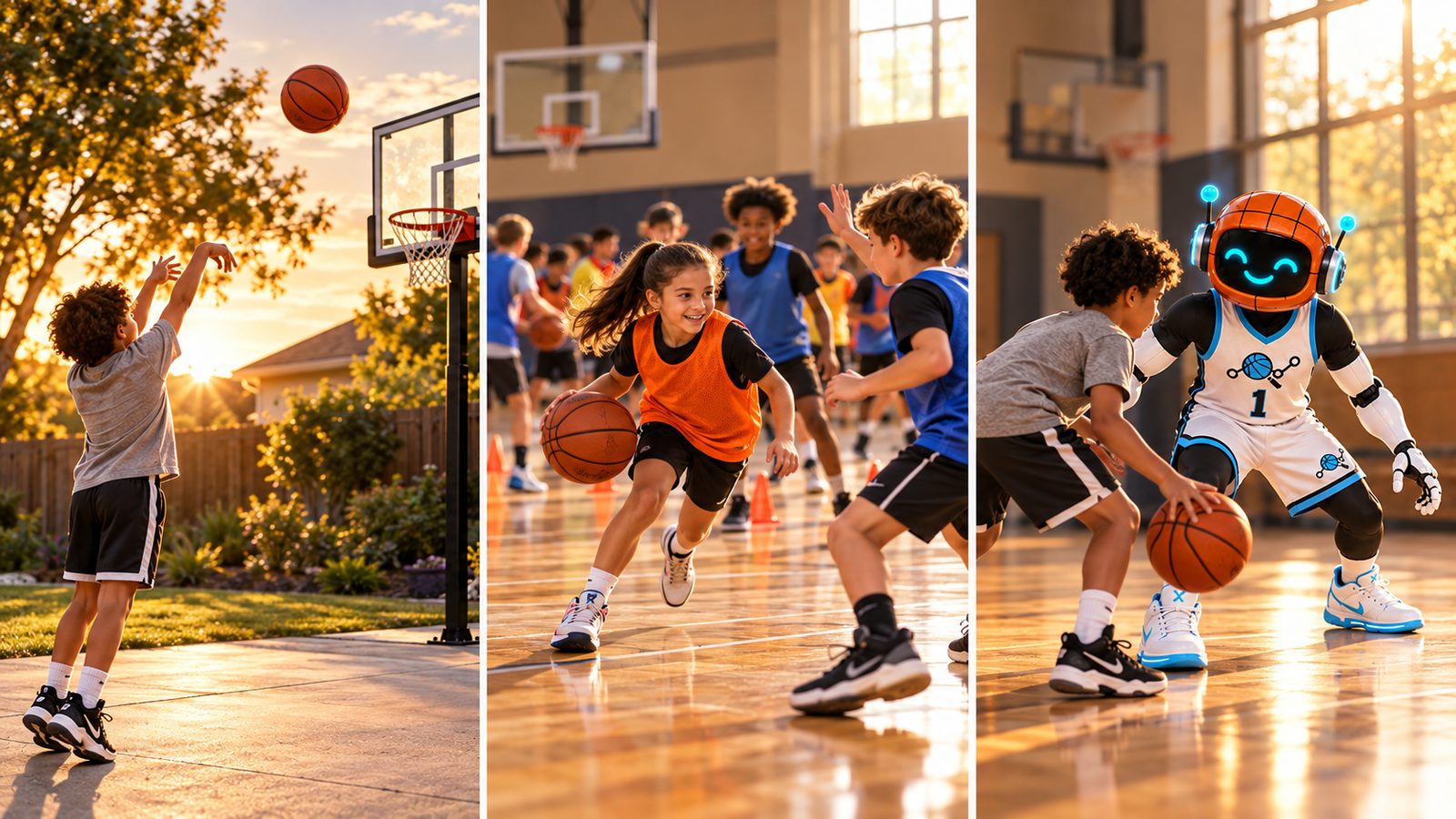
What parents usually want from a basketball app
Most families are not shopping for novelty. They want:
- A short plan for the days between team practice
- Feedback or a record so "I practiced" means something
- Something kids will open without a daily fight
- No extra hardware unless the family already wants that gift
If the app becomes the activity (scrolling, not training), it failed. A good basketball training app for kids is one they open briefly, then go outside with a ball.
Three types of basketball apps for kids
1. Camera-based AI trainers (phone only)
You prop a phone. The app uses the camera to track shots, dribbles, or movement and shows stats or cues.
Typical fit: driveway or park sessions with a hoop (for shooting) or clear floor space (for handles). Families who want tracking without buying a smart ball or sensors.
Watch for: setup rules (phone placement, lighting, hoop in frame). Check how recently the app was updated on the store listing. Old star counts can outlive active development.
Examples parents see often: HomeCourt (iPhone/iPad; camera tracking; large historic rating count; App Store version history last showed a release on Jan 20, 2022 when checked Oct 16, 2026). Ball AI (iOS and Android; camera tracks shooting and handles; no smart ball or sensors; actively updated on the App Store when checked Oct 16, 2026; 4.8 average from about 6.5K US ratings on that date). Level Up and other "AI coach" apps that lean on chat plans or uploaded video analysis (features vary; verify on the live store page).
2. Smart ball + app systems
A marked or "smart" basketball pairs with an app. The camera usually tracks the ball's pattern, and drills focus heavily on ball handling.
Typical fit: kids who need guided handle volume at home, including sessions that do not need a hoop. Gift shoppers comparing balls and apps together.
Watch for: you need their ball (or compatible ball) for the tracking to work as marketed. Membership or class access may be separate from the ball itself. Confirm current product details on the vendor site before you buy.
Example parents see often: Dribbleup Smart Basketball with the Dribbleup app (vendor site claims real-time ball tracking, large drill/class libraries, streaks and leaderboards; "100,000+ players" is a vendor claim, not independently verified here).
3. Drill-library / plan apps (video workouts)
These open onto coach video, progressions, and a plan or streak system. They usually do not auto-track makes and misses with computer vision.
Typical fit: kids who already take coaching cues well and need a menu replaced by a plan. Families who want coach-built progressions between gym sessions.
Watch for: a giant library without a plan gets ignored. Prefer apps that ask what to improve and how many days they have.
Example parents see often: HoopLife (iPhone/iPad; coach-built plans and video drills per their site; their parent article argues apps work best from about ages 9 to 10 alongside coaching, not instead of it).
Other names that show up in "basketball apps" results include team/stat tools (GameChanger-style) and IQ/playbook apps. Those solve game film or plays, not driveway skill reps. Skip them if your gap is home fundamentals.
How these options compare
Features below are high-level. Re-check App Store, Google Play, and vendor pages before you decide. Ratings and update dates change.
| Option | Type | Platforms (as commonly marketed) | Hardware beyond a phone | What it mainly helps with | Parent note |
|---|---|---|---|---|---|
| Ball AI | Camera AI trainer | iOS + Android | None (phone camera) | Shooting + handles tracking, guided workouts, session feedback | App Store Oct 16, 2026: 4.8 / ~6.5K ratings; recent updates in version history. Brand claim: trusted by 250K+ hoopers. No smart ball or sensors. |
| HomeCourt | Camera AI trainer | iOS (iPhone/iPad) | None (phone camera) | Interactive drills, shot/dribble tracking, AR-style challenges | App Store Oct 16, 2026: 4.8 / ~15K ratings; latest listed version dated Jan 20, 2022. Free drill access is marketed on the listing; a paid tier exists. Android: not found on Google Play in third-party Oct 2026 roundups (re-check yourself). |
| Dribbleup | Smart ball + app | Mobile app + Smart Basketball | Smart Basketball required for their tracking model | Ball-handling volume, guided classes, gamified reps | Vendor site Oct 16, 2026: camera tracks their ball design; claims 2,000+ drills/classes and weekly content. Ball and membership details change; confirm on dribbleup.com. |
| HoopLife | Drill library / plan | iPhone / iPad (per their site) | None for the app itself | Video drills + a plan built around goals and days available | Coach-built gym brand app. Their kids-app article stresses plan over menu and coaching alongside reps. |
| Level Up (and similar chat/plan AI coaches) | AI coach / video analysis | iOS + Android (varies by app) | None | Chat-built workouts, uploaded video feedback (per listings) | Useful if kids want a coach chat and plans. Confirm what is tracked live vs analyzed after upload. |
Not in the table on purpose: Ballogy and other coach-platform tools. They can be strong for teams; they are a different buyer (coach or org) than a parent filling driveway gaps. Verify before treating them as a kids home-training pick.
How to choose (a short parent checklist)
Use this before you download five apps and hope one sticks.
- Name the gap. Handles only? Form shooting? Getting them to show up three days a week?
- Age and buy-in. Under about eight, unstructured play usually beats a structured app (HoopLife's parent guidance matches that). Around nine or ten, when they care about getting better, a plan starts to matter.
- Hardware appetite. Want phone-only, or open to a smart ball gift?
- Platform. Android at home? Prefer apps that list Android clearly (Ball AI and some AI coaches do; HomeCourt has long been iOS-first).
- Update freshness. Open the App Store version history. An app that has not shipped in years can still charge for a subscription.
- Screen-time test. After one week: did it get them onto the driveway, or only onto the couch with a phone?
Pair any app with a written plan. The practice plan template and how to help your kid get better at basketball cover the habit side apps cannot fix alone.
HomeCourt vs Dribble Up for kids (quick parent take)
Parents often ask this head-to-head because both show up in "best basketball training app for kids" conversations.
- Choose a camera app like HomeCourt (or Ball AI) when you want tracking with a normal basketball, you already have a phone you can prop up, and shooting or mixed skills matter. HomeCourt's strength historically was game-like camera drills on iPhone/iPad. Re-check update dates before you lean on it as your only tool in 2026.
- Choose Dribbleup when ball handling is the main gap, you are fine buying their Smart Basketball, and gamified handle classes fit your kid's attention. It is a ball-plus-app system, not a phone-only shot tracker.
- Neither replaces a coach. Apps add reps and structure. Live correction and game play still matter. See is a private basketball trainer worth it? when the gap is technique someone needs to see in person.
When Ball AI fits
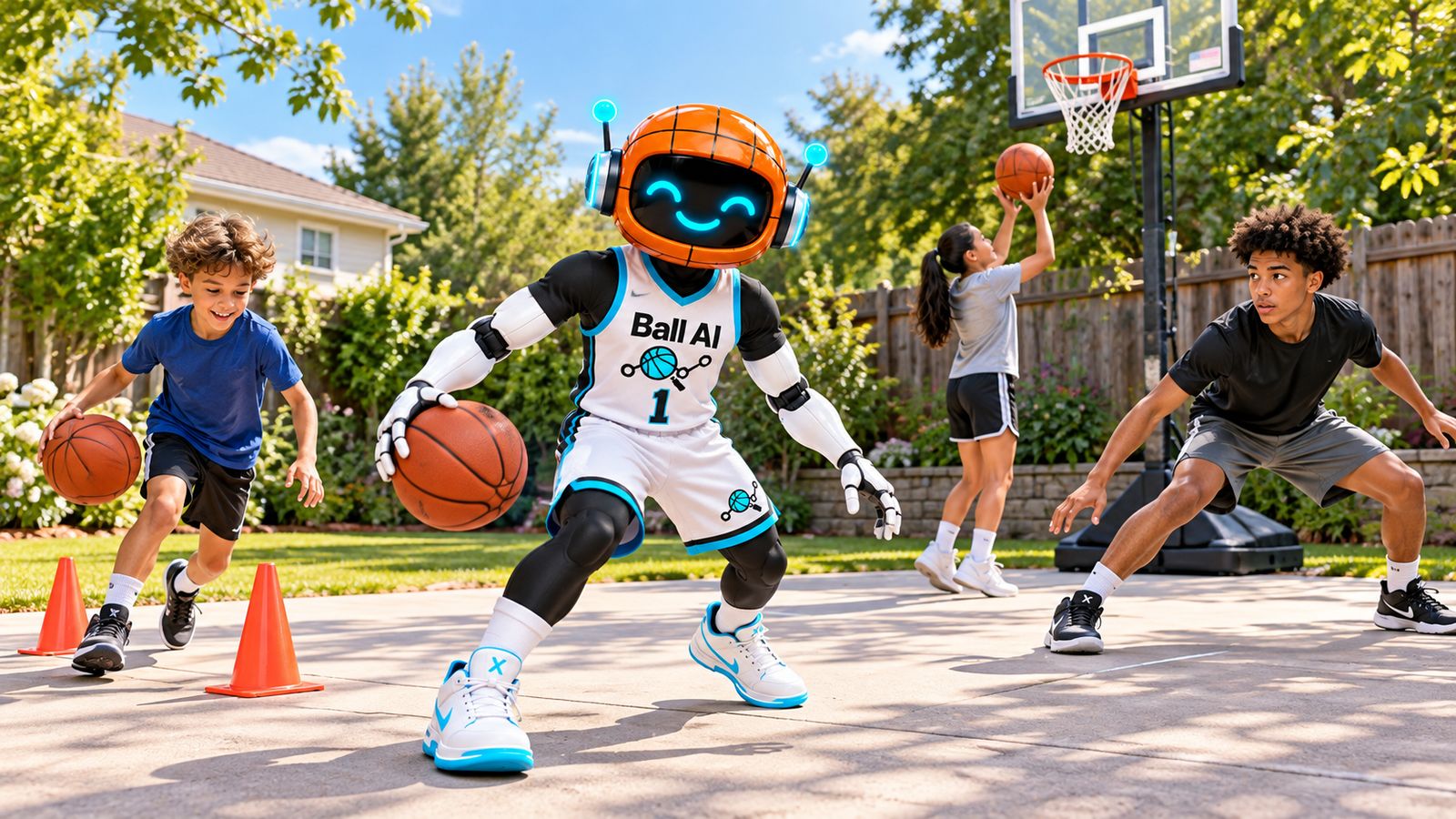
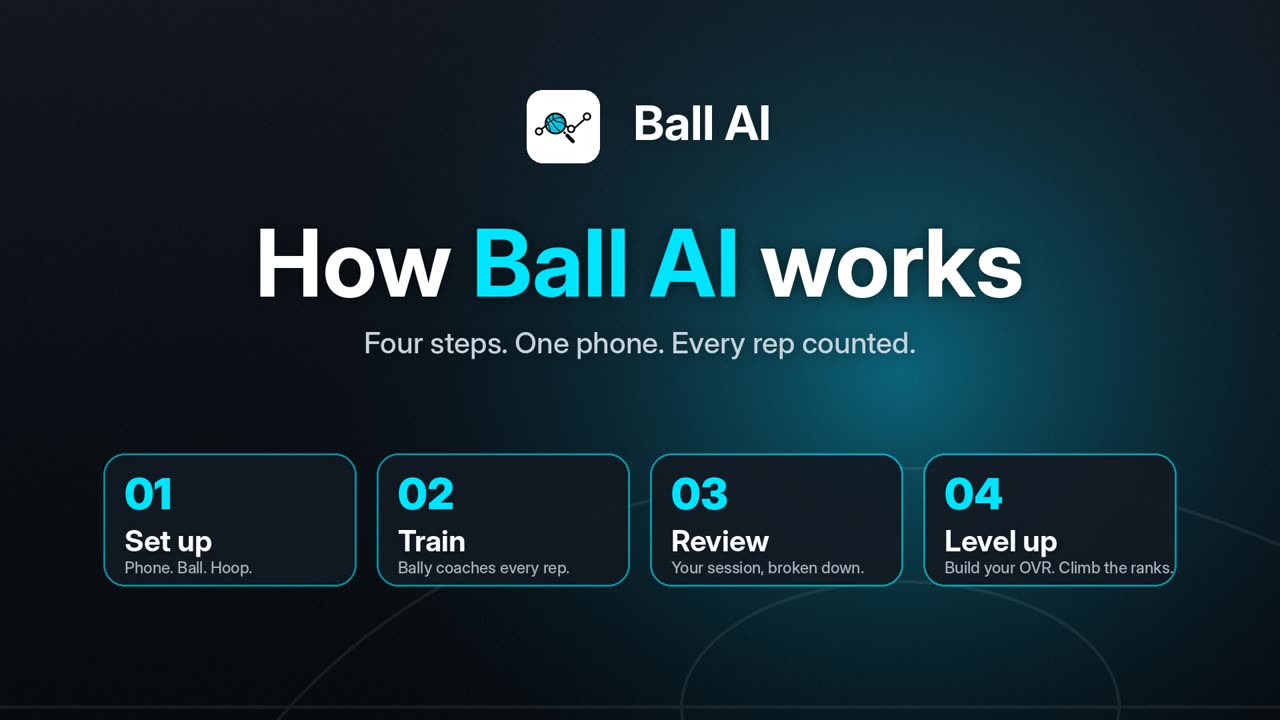
Ball AI is an AI basketball training app for iOS and Android. Kids set the phone on the ground or a tripod, pick shooting, finishing, dribbling, defense, or a guided workout, and the camera tracks reps. It is built for home and park sessions without smart balls or wearable sensors. Core users are often kids around 10 to 15 whose parents set up the account. Family plans exist for multiple kids.
Ball AI is a strong fit when:
- You want one phone-based tool for shooting and handles
- You need iOS and Android in the same household
- You want a record of the session, not only a video to watch once
- Home days are the weak link between team practices, camps, or trainer visits
Look elsewhere (or combine) when:
- You specifically want a smart basketball gift experience (Dribbleup lane)
- You only want a coach video library with no tracking (HoopLife-style lane)
- The kid is too young for structured drills and just needs play
For gifts and ball-size notes, see the basketball gift guide. For how apps sit next to camps and trainers, see youth basketball training.
A simple next step
If a camera-based trainer sounds like the gap you are closing, you can download Ball AI. Use it as an optional layer on home days. Keep the written plan, rest days, and real coaching in the mix.
Questions parents ask
What is the best basketball training app for kids?
There is no single winner for every family. Match the type to the gap: camera AI for tracked shooting and handles with a normal ball; smart ball systems for guided handle volume; drill-library apps for coach video plans. Check platform (iOS vs Android), whether you want extra hardware, and how recently the app was updated. Ball AI is one camera-based option on iOS and Android that tracks shooting and ball handling without sensors.
What are the best basketball apps for kids in 2026?
Parents usually shortlist HomeCourt, Dribbleup, Ball AI, HoopLife, and newer AI coach apps such as Level Up. Organic listicles (for example AIToolsBakery's AI basketball apps roundup and HoopLife's kids-app article) dominate web results more than brand sites alone. Re-read store listings before you buy. Ratings and update dates move.
HomeCourt vs Dribble Up for kids: which should we pick?
HomeCourt is a phone-camera training app (historically strong on interactive drills). Dribbleup is a Smart Basketball plus app system aimed at ball-handling classes and tracking. Pick HomeCourt-style tools when you want phone-only training with a normal ball. Pick Dribbleup when you want their ball and handle-focused classes. Ball AI sits in the phone-camera lane and covers both shooting and handles on iOS and Android.
Are basketball training apps worth it for kids?
They can be, when they create consistent driveway reps and a clear finish line. They are weak as a full replacement for coaching or games. Under about eight, play usually beats structure. From about nine or ten, a short plan plus feedback helps more. Pair any app with habits from how to help your kid get better at basketball.
Do kids need a smart basketball, or is a phone enough?
A phone-camera app is enough if your goal is tracked shooting and handles with a normal ball and you can prop the phone safely. A smart ball makes sense if you like that product category and handle volume is the main project. You do not need both on day one.
Does Ball AI work without sensors or a special ball?
Yes. Ball AI uses the phone camera. No smart ball or wearable sensors are required for its core tracking model.
Is Ball AI on Android as well as iPhone?
Yes. Ball AI is on iOS and Android. That matters for mixed-device households comparing kids basketball apps.